 0800 777 449
 Log in

We are trialling a tool called Leadsie to connect your Google Business Profile to Yell for a select group of customers. If you’ve received an email asking you to connect using a link, we’ll ask for access to manage your Google Business Profile.
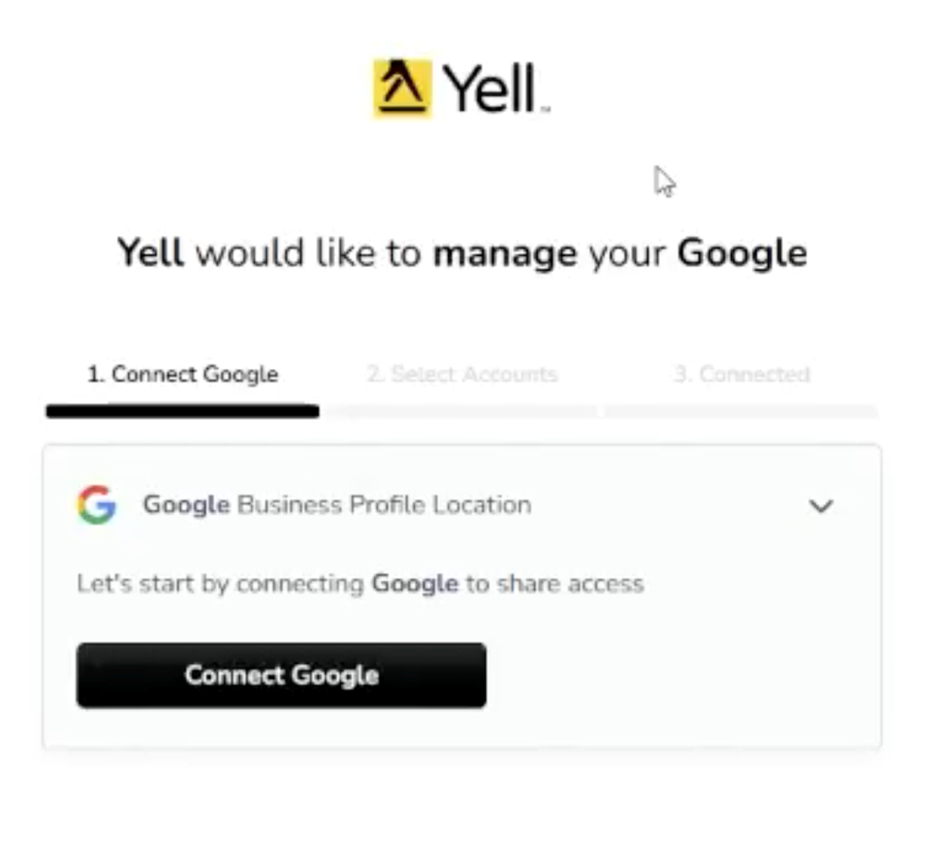
1. Click “Connect Google”. If you’re not already logged into the Google account connected with your Google Business Profile, do this now
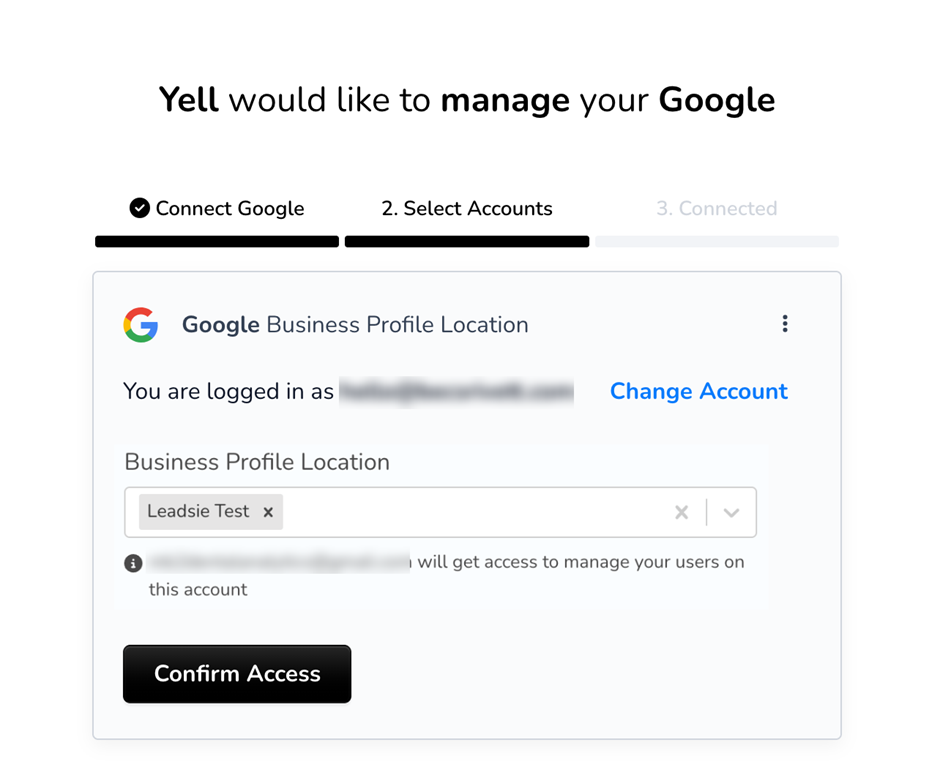
2. Next you need to select the Google Business Profile to connect
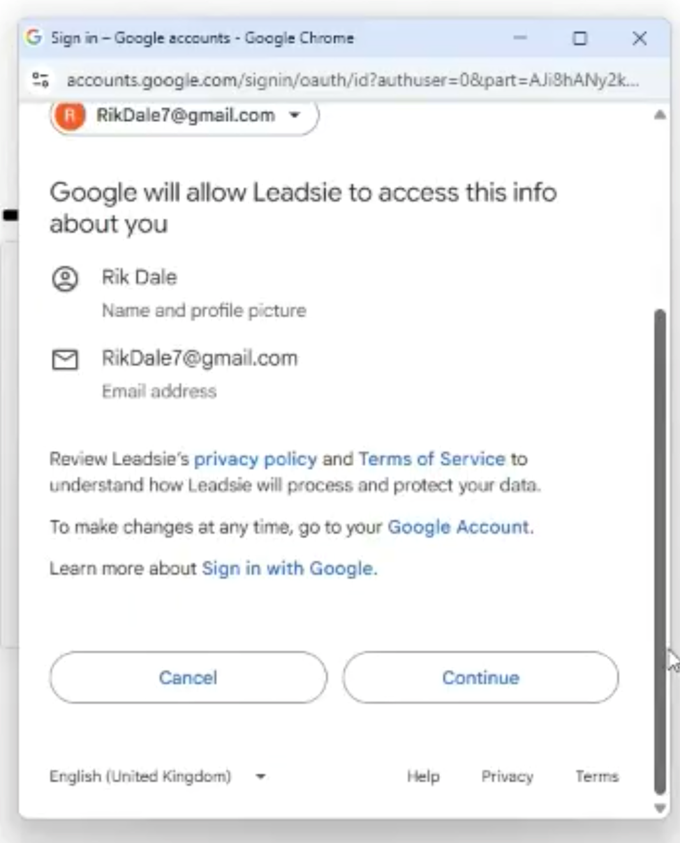
3. You will need to give Leadsie permission to access, by clicking “Continue”
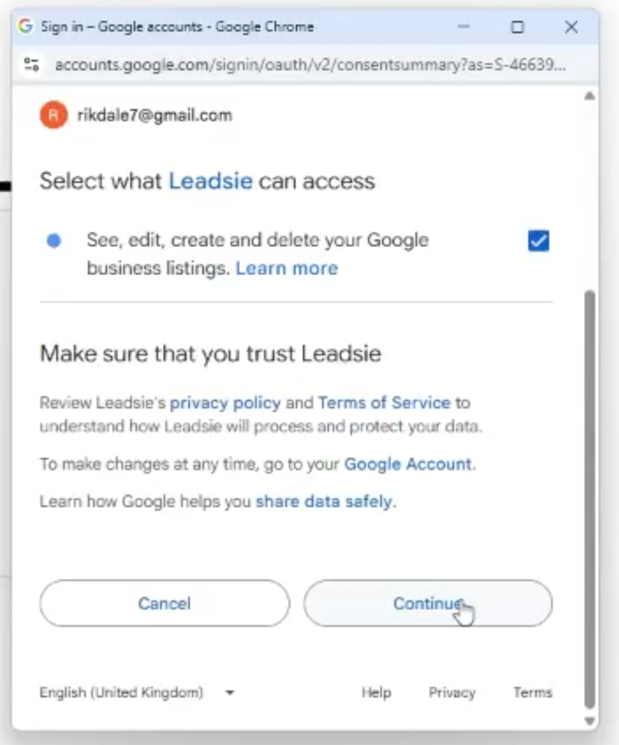
4. On the next screen, tick the checkbox to allow permissions, then click Continue.
5. You’re now connected!